
Google adjusts how often it crawls based on how well your server responds. Slow TTFB means fewer crawls. Frequent 5xx errors mean Google backs off entirely. This is the most under-appreciated lever in SEO.
The crawl rate feedback loop
Google’s crawlers are designed not to harm your site. If responses slow down, if your server returns errors, or if it gets timeouts, the crawl rate drops automatically. The fewer pages get crawled, the fewer pages get indexed. The fewer pages get indexed, the less you rank.
Why server speed matters more in the AI Mode era
Google confirmed at I/O 2026 (May 19, 2026) that AI Mode is now powered by Gemini 3.5 Flash globally and serves over 1 billion users monthly. Every AI citation, AI Overview, and conversational response is grounded in pages that Google has indexed. Slow servers don’t just lose you organic rank, they lose you AI citations entirely.
Google’s May 15, 2026 AI optimization guide explicitly confirms: “AI features in Search use the standard Google index. If your pages are not crawled efficiently, they are not eligible to be surfaced in AI Mode, AI Overviews, or any future generative experiences.”
Three direct consequences for sites with slow servers in 2026:
- Lost AI citation eligibility. If your page doesn’t get crawled within the budget window, AI Mode picks a faster competitor for the citation slot.
- Reduced freshness signals. AI Mode prioritises recently-crawled content. A slow server means stale crawls and outdated AI answers about your business.
- Lower coverage in long-tail queries. The conversational, multi-turn nature of AI Mode multiplies the queries your content could be cited for. Slow crawl = fewer pages indexed = fewer citation opportunities.
Sources: Google I/O 2026 keynote (May 19), Google Search Central AI Optimization Guide (May 15, 2026)
The signals Google watches
Time to First Byte (TTFB)
How fast your server starts responding. Under 200ms is healthy. Over 800ms triggers throttling.
Response status codes
5xx errors are the biggest red flag. A burst of 503s tells Google to pull back hard.
Connection timeouts
If Googlebot can’t establish a connection within seconds, the URL is marked unreachable.
Rate limit responses
429 responses or CDN rate limiting cause Google to slow down its requests proactively.
TTFB benchmarks by site type
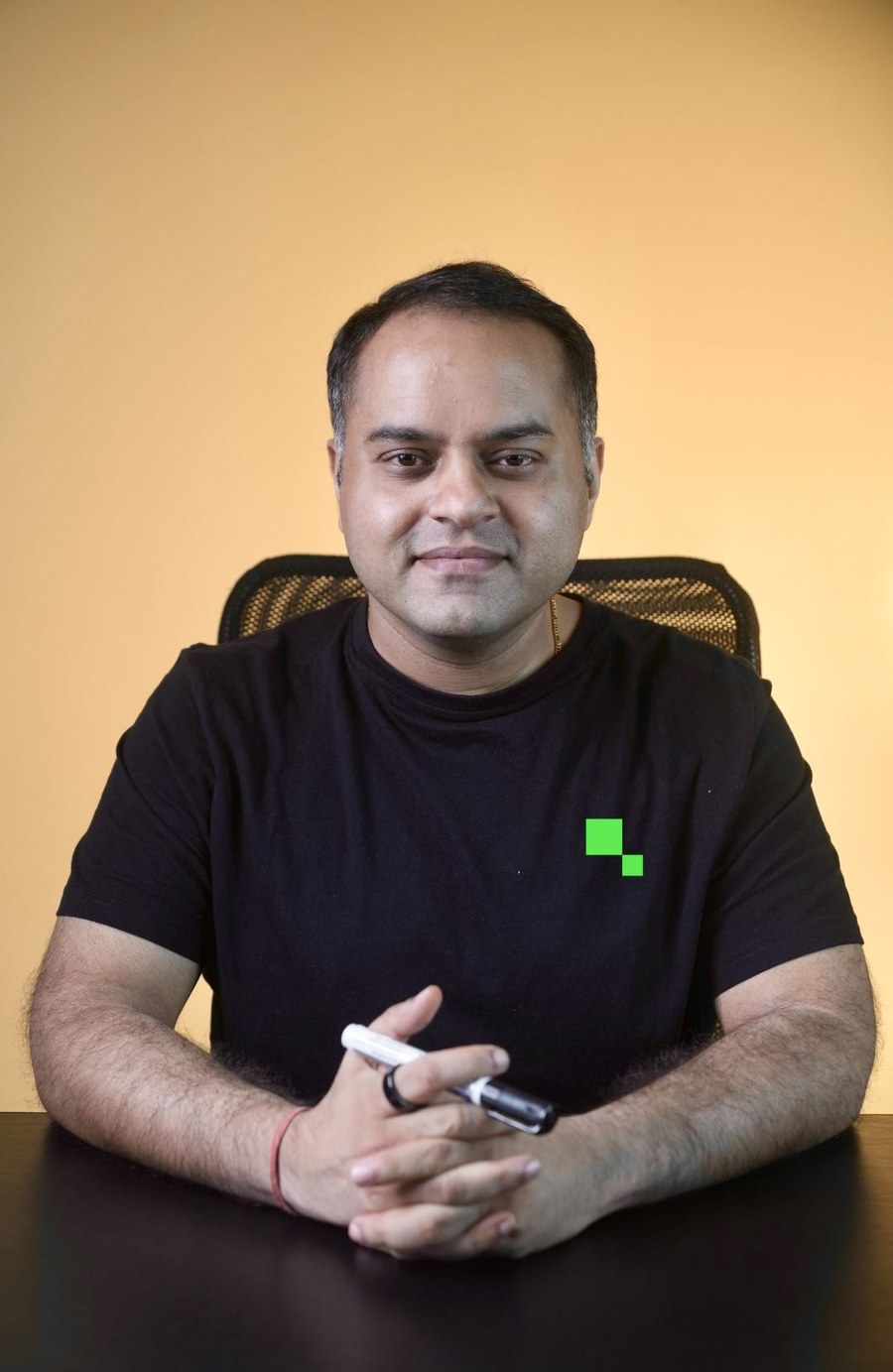
“At Times Internet I saw organic traffic crash twice in 12 years, both times because SSL certificates had expired. The site went into a soft-block where Googlebot couldn’t establish TLS handshakes. Crawl rate dropped to near zero within 48 hours. Both times the recovery took 2 to 3 weeks even after the SSL was restored. Treat your SSL renewal, server uptime, and TLS handshake performance as Tier 1 critical infrastructure, not as IT maintenance.”
The Crawl Stats report as diagnostic
Search Console → Settings → Crawl Stats. This is the single most informative dashboard for diagnosing server-driven crawl issues. Check these three charts every week:
How to improve server performance for crawl rate
Final spoke: The Optimization Playbook
A 12-point diagnostic and fix checklist that ties everything in this series together. Built for engineers and senior SEOs.
Related resources
Recent updates in search and AI
22 July 2026
Every site starts at the same default crawl capacity
Google updated its crawl budget documentation to confirm that every site begins with the same conservative default crawl capacity. New domains, rebrands and migrations from established domains all start at the same baseline. A strong backlink profile does not buy extra crawl budget. You earn capacity through fast server response, few errors, and content that gets indexed and ranked, which makes server performance most critical exactly when a site launches or migrates.