
Most SEOs treat Googlebot as a single user agent. It’s actually a coordinated ecosystem of specialized crawlers, each with its own behavior, budget, and purpose.
If you optimize your site only for “Googlebot,” you are optimizing for one bot in a fleet of six. Each crawler in the ecosystem reads your site for a different reason, and treats your byte budgets, render rules, and content differently.
The Googlebot fleet
Googlebot Smartphone
The dominant indexer since mobile-first indexing. Simulates a Pixel-class Android device. What it sees is what gets indexed.
Googlebot Desktop
Crawls less frequently. Used for desktop-specific signals and to verify parity. If your mobile and desktop diverge, this catches it.
Googlebot Image
Fetches and analyzes image content for Google Images and AI overviews. Lazy-loaded images often go uncrawled here.
Googlebot Video
Crawls video files and video schema for Video SERP results. Treats video sitemaps as authoritative.
AdsBot Google
Independent of organic. Validates landing page quality for Google Ads. Blocking it in robots.txt can crash Quality Scores.
Inspection Tool
Triggered manually via Search Console URL Inspection. Uses a slightly different render path. May behave differently from real crawlers.
Google admits “Googlebot” is a historical misnomer
“Back in the early 2000s, Google had one product, so we had one crawler. The name ‘Googlebot’ stuck. Dozens of other clients, Google Shopping, AdSense, and more, all route their crawl requests through this same underlying infrastructure under different crawler names.”
Gary Illyes, Google Search team, “Inside Googlebot,” March 31, 2026
Three implications most SEOs miss:
- Crawling is a shared SaaS platform inside Google. Each client (Search, Ads, Shopping, AdSense) sets its own user-agent, byte limit, and robots.txt token. Blocking one user-agent does not block the others.
- For crawlers without a specified byte limit, the default is 15MB. Googlebot’s 2MB is more restrictive than most of the rest of the ecosystem.
- Image and video crawler limits vary by product. A favicon fetch has a much smaller limit than an Image Search fetch.
Reference: developers.google.com/search/blog/2026/03/crawler-blog-post, on the same day Google also published an updated location for the crawler IP range JSON files.
Why each bot matters separately
Treating “Googlebot” as one entity is the single most common mistake in technical SEO.
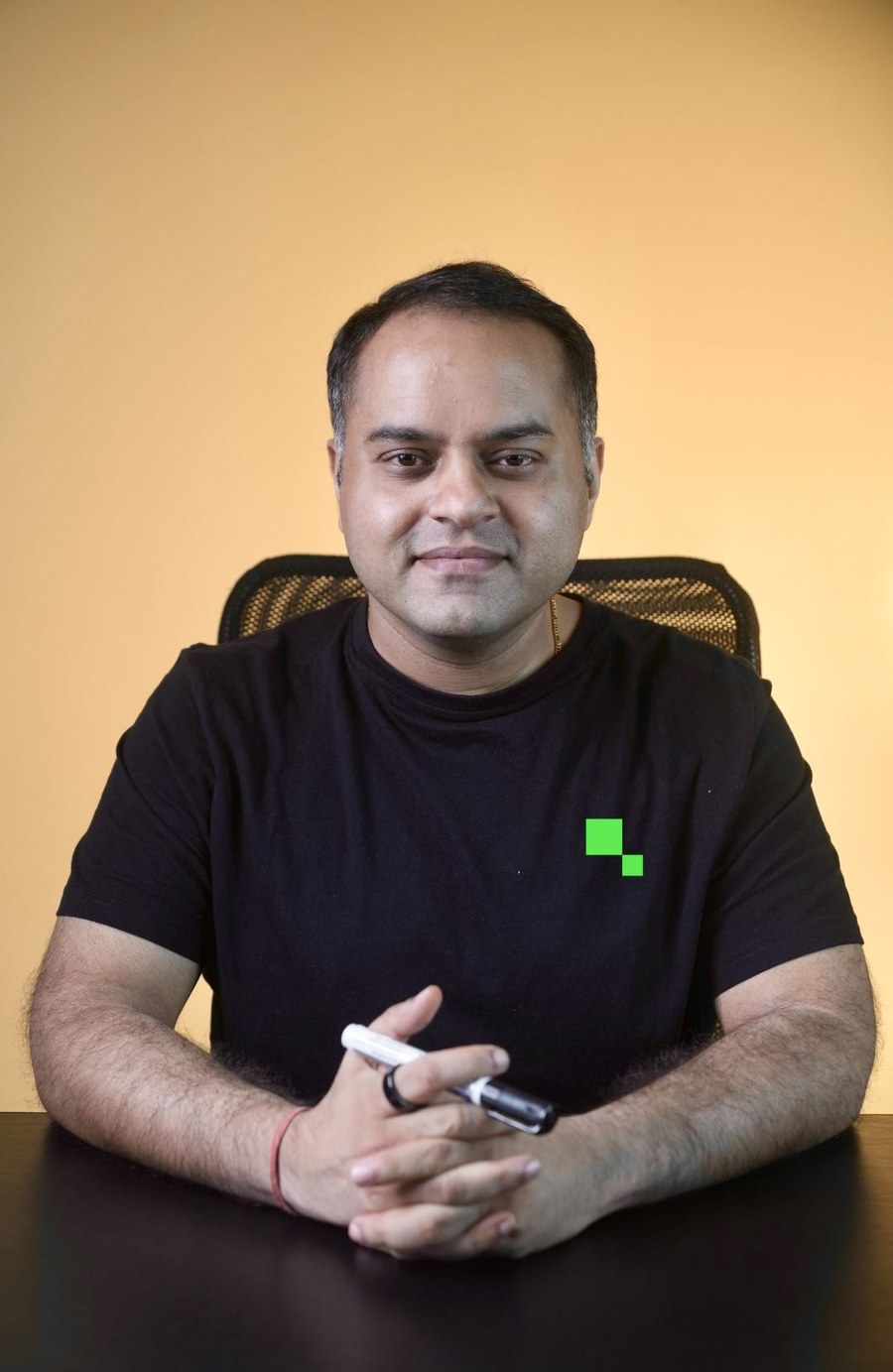
“I worked on a D2C site where the dev team had blocked AdsBot in robots.txt ‘to save crawl budget.’ Their Google Ads Quality Scores dropped from 8 to 4 across the account within a week. Cost-per-click jumped 60 percent. Nobody connected the two events for a month. AdsBot is independent of Googlebot, treat the ecosystem as separate.”
How to verify each bot is reaching your site
Check your server access logs
Grep for each user-agent over the last 30 days. You should see hits from all six. If any bot is missing for 30+ days, something is blocking it, firewall, robots.txt, or rate limiting.
Use the Crawl Stats report
Search Console → Settings → Crawl Stats. Filter by Googlebot type. You will see hit volume, response times, and any drops. A sudden zero for any bot is a red flag.
Reverse DNS verification
Many spoofed crawlers pretend to be Googlebot. Always verify by doing reverse DNS lookup on the IP, legitimate Googlebot IPs resolve to googlebot.com or google.com.
Next: How WRS Renders Your Pages
Web Rendering Service is a headless Chrome that runs after the initial crawl. Understand its limits before you build with React or Next.js.
Related resources
Recent updates in search and AI
17 July 2026
NotebookLM user agent renamed to Google-GeminiNotebook
Following the product rebrand, the fetcher that appears in your logs when someone analyses your page in the tool is now Google-GeminiNotebook. It is a user-triggered fetcher, not a crawler, so it does not consume crawl budget and blocking it only stops people using your content in the tool.
10 July 2026
Canonicalisation can take up to two weeks to resolve
Google updated its canonicalisation documentation to state that issues may take up to two weeks to resolve after a fix ships. Useful for expectation setting: if you correct a canonical and nothing moves in a week, that is normal and not a signal to change it again.
8 July 2026
Google is testing google.com/goto passthrough tracking URLs
A new tracking layer that redirects through google.com/goto before reaching the destination is in testing. The direct impact on your site is nil, but any third-party rank tracker or scraper that parses result URLs may report oddly while this rolls out. Worth knowing before you diagnose a reporting anomaly as a ranking drop.
6 July 2026
Cloudflare content-signals robots.txt directive has no effect
John Mueller confirmed that no crawler or LLM currently uses the content-signals directive, and that it adds bloat and future maintenance to robots.txt for nothing. If you want to control AI crawler access, use standard disallow rules and user-agent blocks that are actually honoured.
2 July 2026
AMP pages now served from your origin, not Google cache
Google now sends searchers directly to publisher-hosted AMP pages rather than serving a cached copy through the AMP viewer. If you still maintain AMP, the serving load moves back to your server, which changes the crawl and performance calculation. For most sites AMP is no longer worth the dual-version overhead.
19 June 2026
Google confirms chunking at Search Central Live Milan
Google described how pages are broken into chunks during processing, after the initial fetch and before full rendering. Messy structure and content buried under JavaScript make chunking work harder and burn more budget. Clean HTML and a logical heading hierarchy are the lever, and this is the same argument that drives byte-level optimisation.